iPhone Duo mockups. Find your fold.
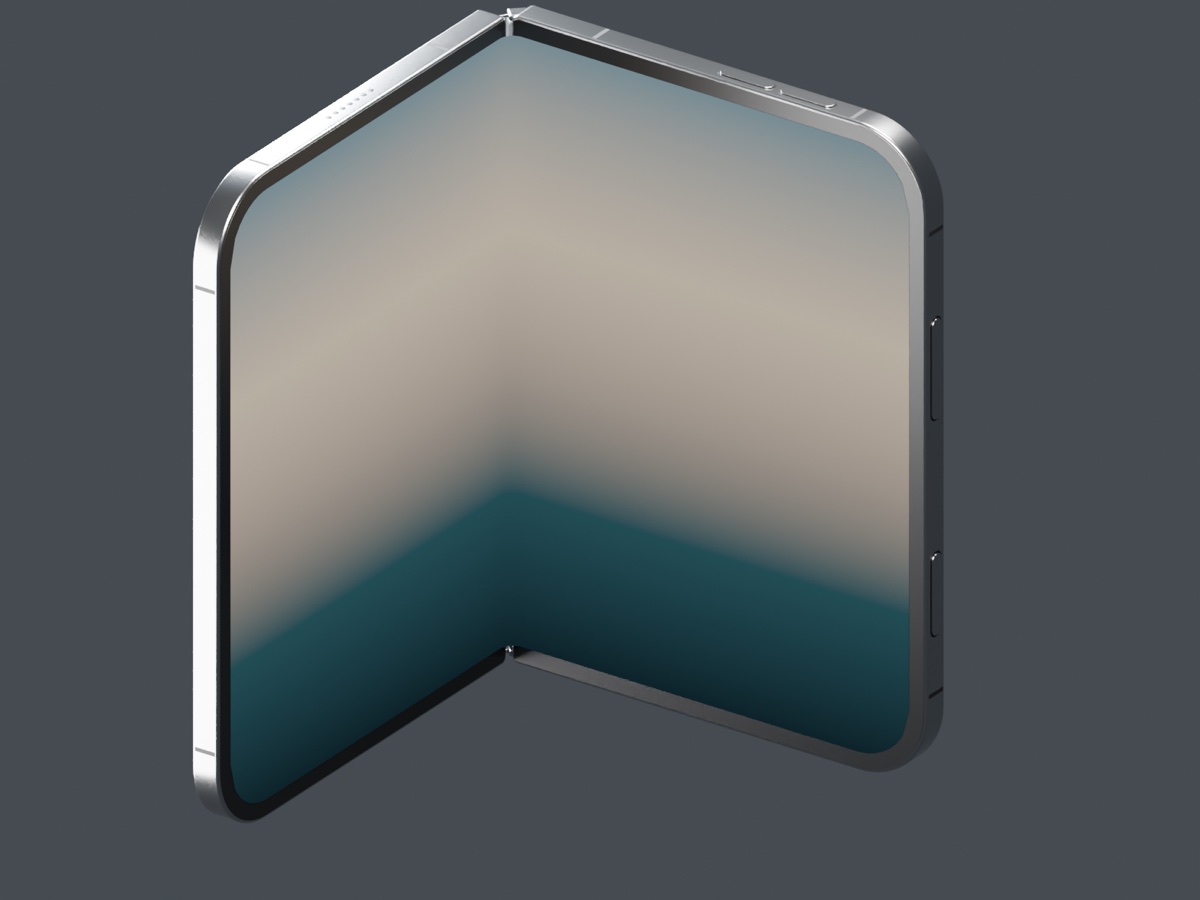
Show your app on a folding 3D phone. Upload a screenshot, choose an open, closed or partially folded pose, and export a mockup for your website, portfolio or presentation.
Free to create and export. No account required. Local editing stays in your browser.
How to make an iPhone Duo mockup
1. Add your screenshot
Open Studio with iPhone Duo selected and upload a PNG, JPEG or WebP. Your image appears on the inner display and the outer cover screen, fitted to each screen's shape.
2. Set the fold
Use the Fold angle slider below the canvas: 0° closes the phone and 180° opens it flat. Drag the preview to rotate the device and reveal the screen you want to show.
3. Compose and export
Adjust image fit, background, device size and reflections, then download a PNG of the current pose. The editing controls are not included in your export.
Two displays. Your choice of screenshots.
The inner display shows one continuous image across the hinge. Upload a separate screenshot for the outer cover screen in Screen image, or reuse the inner image on both displays. Visibility depends on the fold and camera angle; a closed phone hides the inner display.
Use Screen image controls to choose contain or cover, zoom and reposition your inner design. A separate outer screenshot is fitted to show the whole image. Remove it at any time to reuse the inner screenshot on the cover.
iPhone Duo mockup questions
Can I choose any fold angle?
Yes. Use the slider or type a value from 0° to 180° below the main canvas. The hinge and flexible inner screen move together, and your saved scene keeps its fold angle.
Do I need Photoshop or Blender?
No. Create and export your mockup in a modern browser with WebGL support. You do not need to install a 3D editor.
Is this an official Apple model?
No. This is Mockbooth's independently created visualization model, not Apple CAD or an Apple-endorsed product. Fine details are modeled approximations.
Are my screenshots uploaded?
Without an account, editing happens locally in your browser. Signing in and saving to the cloud is optional.