Free online device mockup generator

Create polished device mockups from any screenshot.

Drop a screenshot into a realistic phone, tablet, laptop, watch or monitor frame. Customize the background, padding, shadow and 3D angle, then export a presentation-ready image up to 4K — free and private by default.

Export
Up to 4K
Devices
Phones · Tablets · Laptops
Privacy
In your browser
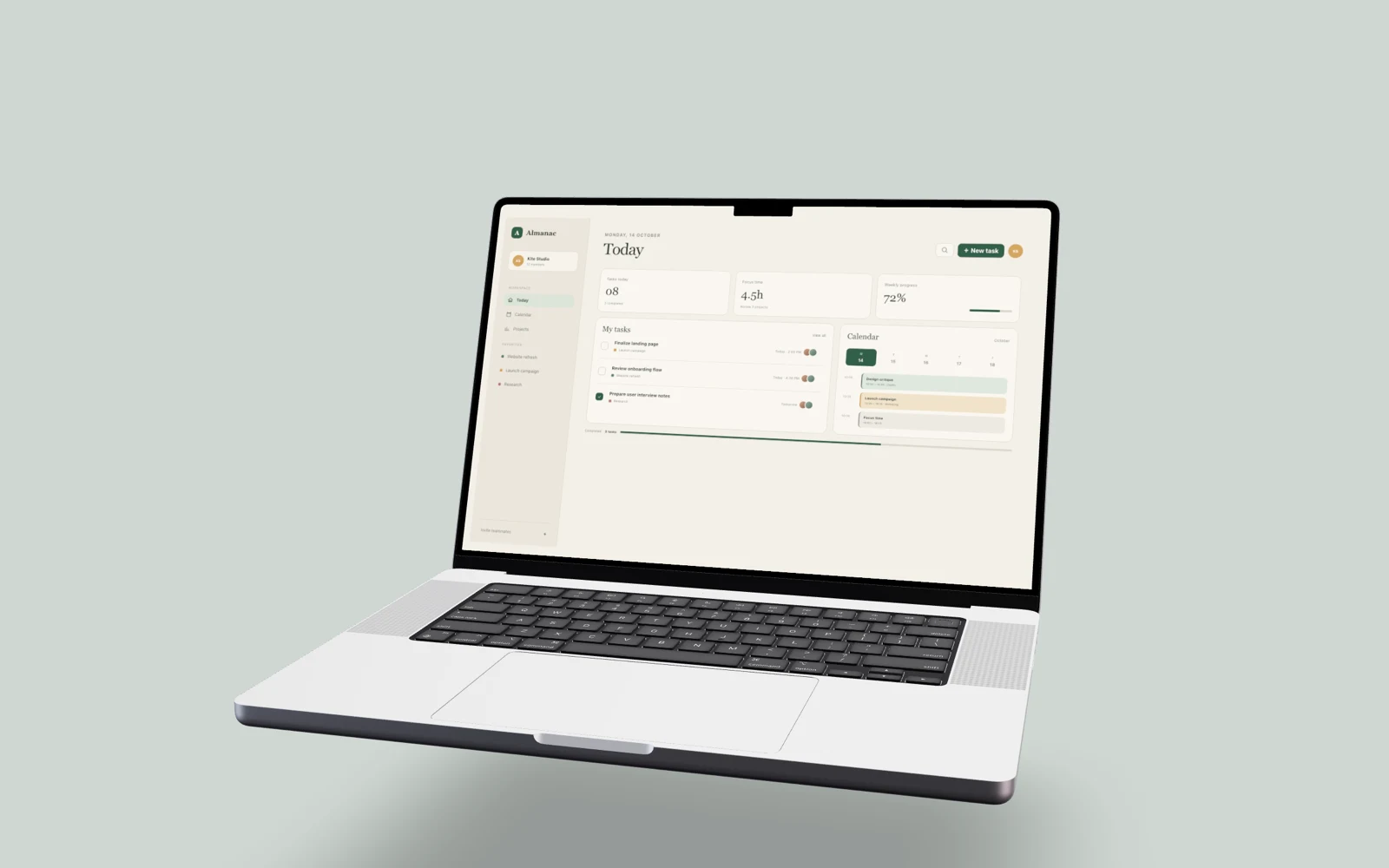
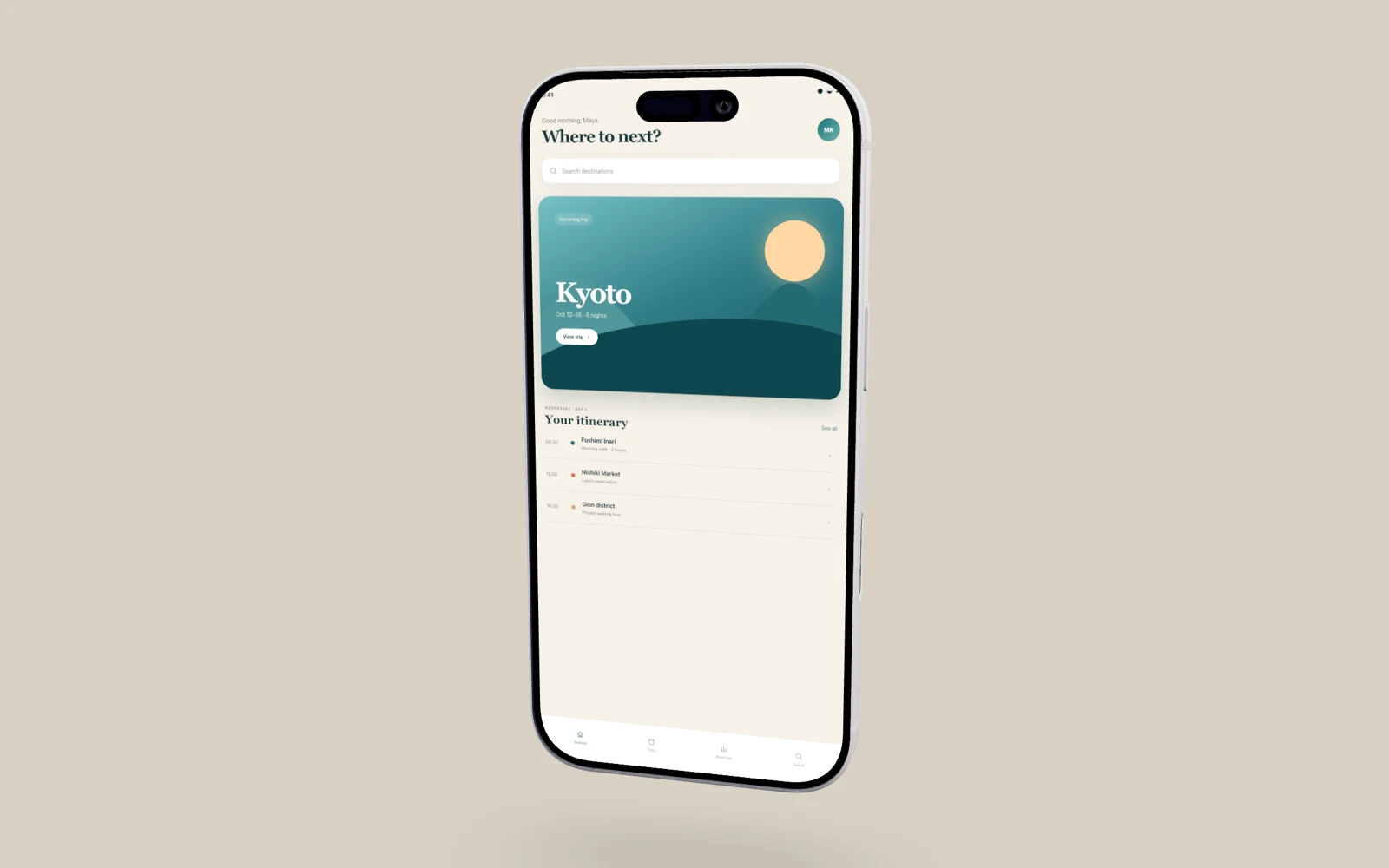
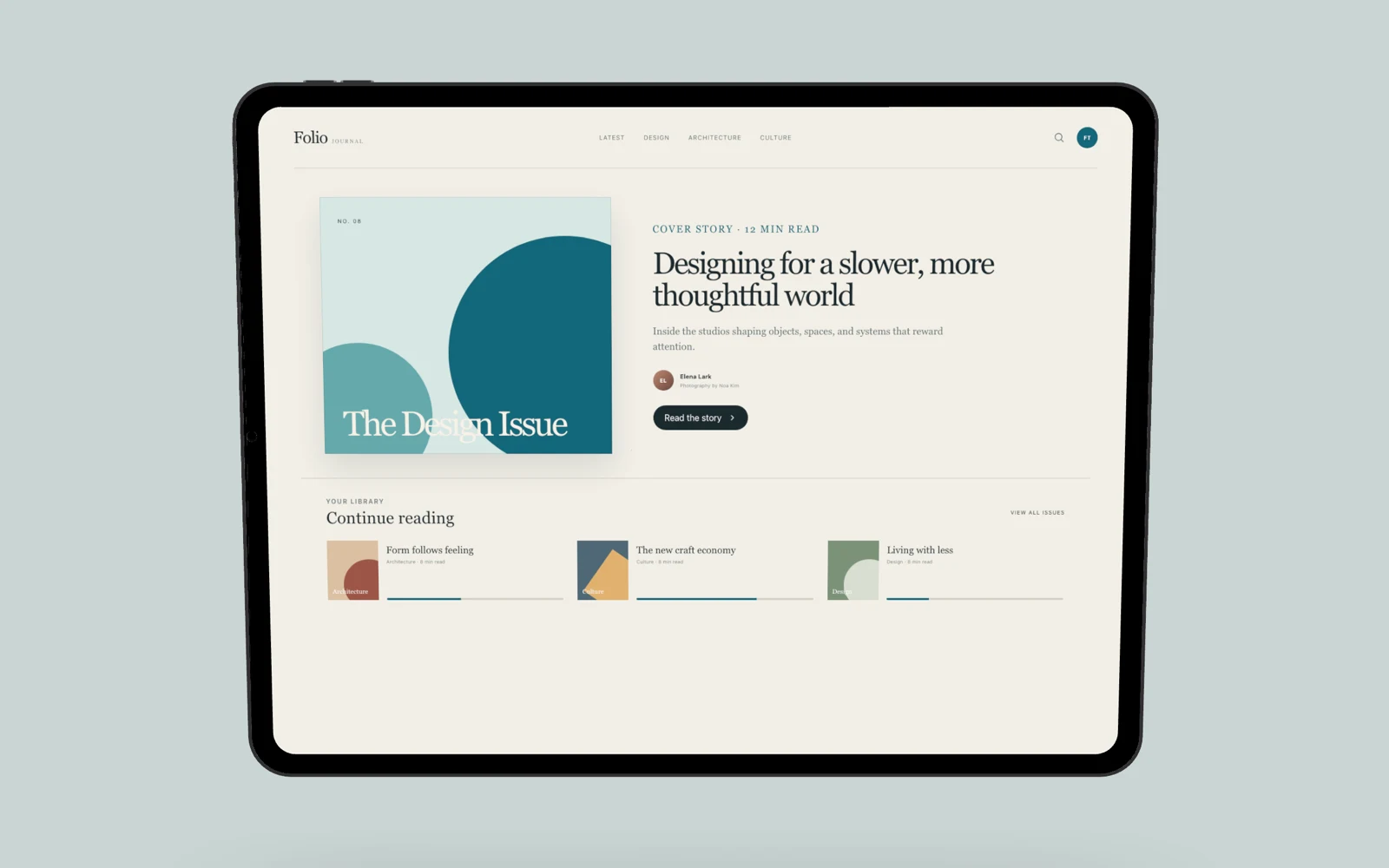
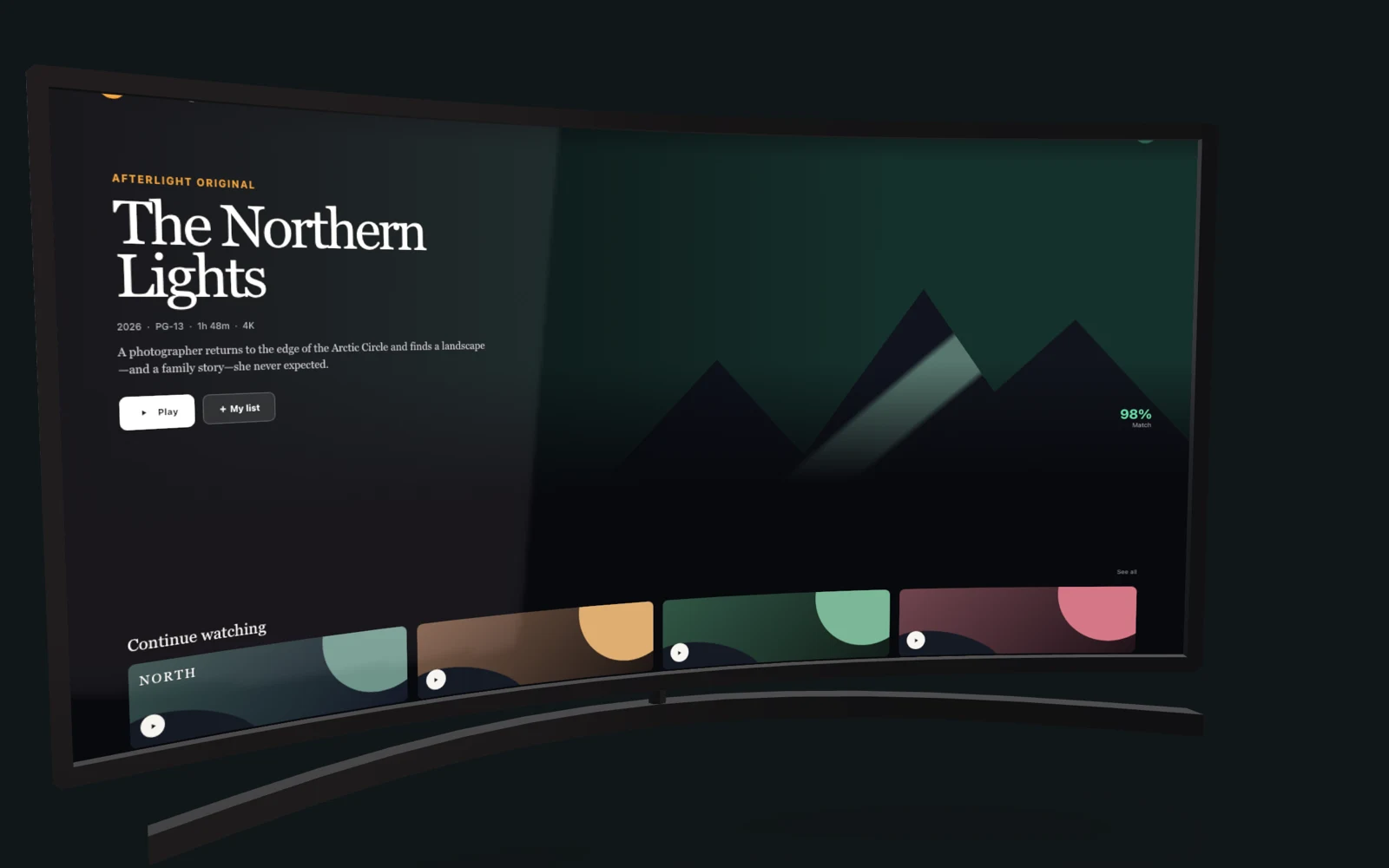
A screenshot framed in a device mockup, exported from Mockbooth.
How it works

Three steps to a polished mockup.

  1. Drop a screenshot

    Bring any image straight from your device — no setup, no account required to start.

  2. Frame & tune

    Pick a device, set a solid, gradient, or transparent background, then dial in padding, shadow, and tilt.

  3. Export

    Download at the resolution your store listing, social post, or hero image needs.

Features

Built for shots you can ship.

  • Pixel-faithful preview

    The live preview and the export come from one shared engine — what you see is exactly what you get.

  • Realistic device frames

    A curated set of phones, tablets, and laptops, rendered with depth and accurate proportions.

  • Background control

    Solid colors, gradients, mesh, or a clean transparent backdrop — your composition, your call.

  • Padding, shadow & tilt

    Compose the shot with fine control over spacing, depth, and perspective.

  • High-resolution export

    Crisp output at any scale, ready for an App Store listing or a full-width hero.

  • Private by default

    Your screenshots are framed right in your browser.

Made for launch day

One screenshot mockup maker, every place you publish.

  • App Store & Google Play

    Frame iOS and Android app screenshots in current iPhone, iPad, Pixel and Galaxy devices for polished store-listing artwork.

  • Websites & product launches

    Turn a SaaS dashboard or website screenshot into a MacBook or desktop monitor mockup for landing-page heroes and Product Hunt galleries.

  • Social posts & presentations

    Create high-resolution product visuals for LinkedIn, X, Instagram, pitch decks, case studies and design portfolios.

Pricing

Free. The whole studio.

Free

Mockbooth Studio

$0 — no card, no trial clock

Everything you need to ship a polished shot. Sign in only if you want your projects synced across devices.

  • Phones, tablets & laptops — every device frame
  • Solid, gradient, mesh & image backgrounds
  • Padding, shadow & tilt controls
  • Pixel-faithful preview — high-resolution export up to 4K
  • Viewpoint presets — front, three-quarter & top angles
  • Portrait & landscape orientation
  • Works without an account — nothing leaves your browser
  • Signed-in cloud saves have per-account storage limits
Open Studio
Frequently asked questions

Device mockup basics.

What is a device mockup generator?

A device mockup generator places a screenshot inside a realistic phone, tablet, laptop, watch or browser frame. The finished image is ready for an app listing, website, portfolio, presentation or social post.

Is Mockbooth free to use?

Yes. The complete Mockbooth studio is free, with no card or trial clock required. You can export high-resolution mockups up to 4K.

Do I need an account to make a mockup?

No. Create and export a device mockup without signing up. An account is only needed if you want to sync projects across devices.

Are my screenshots uploaded?

When you work without an account, your screenshots are processed locally in your browser and are not uploaded to Mockbooth.

Get started

Your next mockup is a drop away.

Open the studio and frame your first screenshot — it takes seconds, right in your browser.

Open Studio